Free Ambigram Generator
Free Ambigram Generator
Create custom ambigrams instantly. Turn your name or two words into a tattoo-ready design.
Designed for names, couples, family words, personal beliefs, and symbolic life changes.
Concept designs only. Final tattoo suitability, sizing, placement, readability, and stencil preparation should be reviewed by a professional tattoo artist.
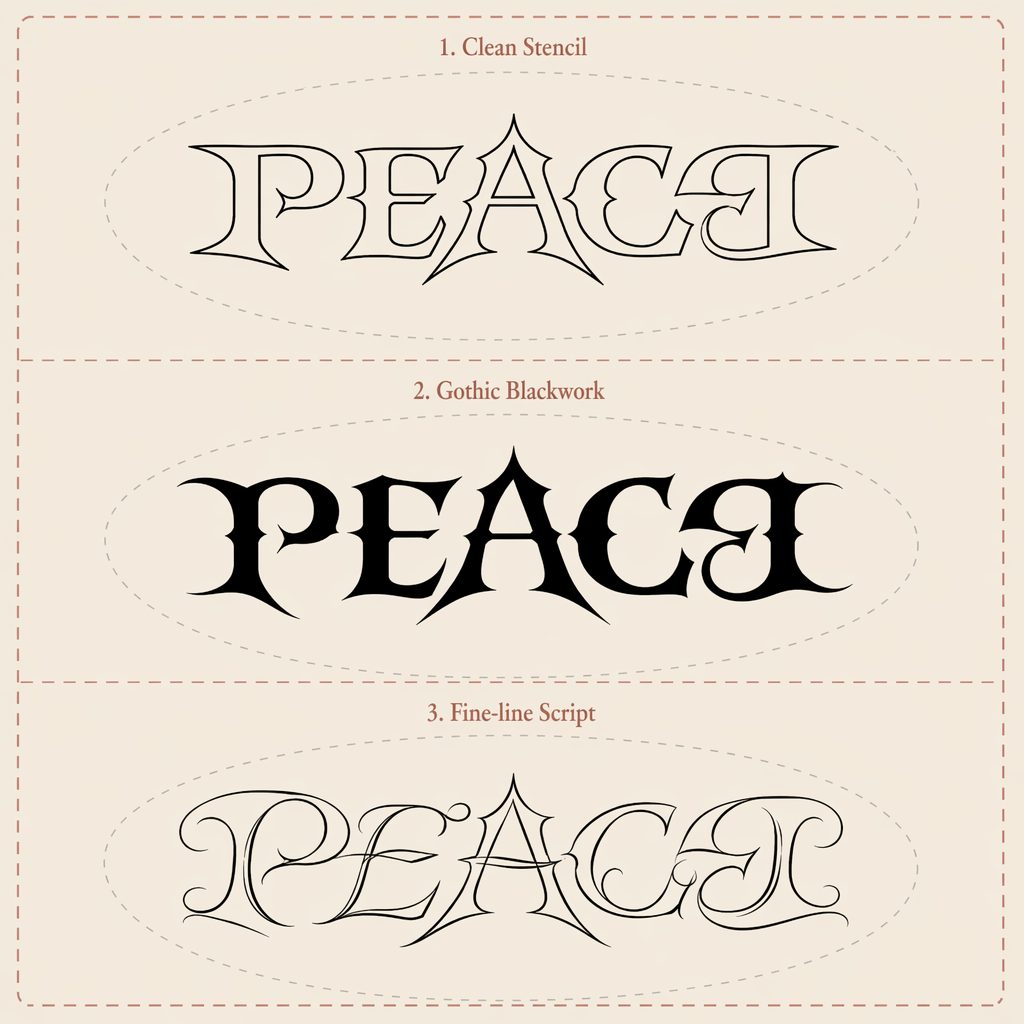
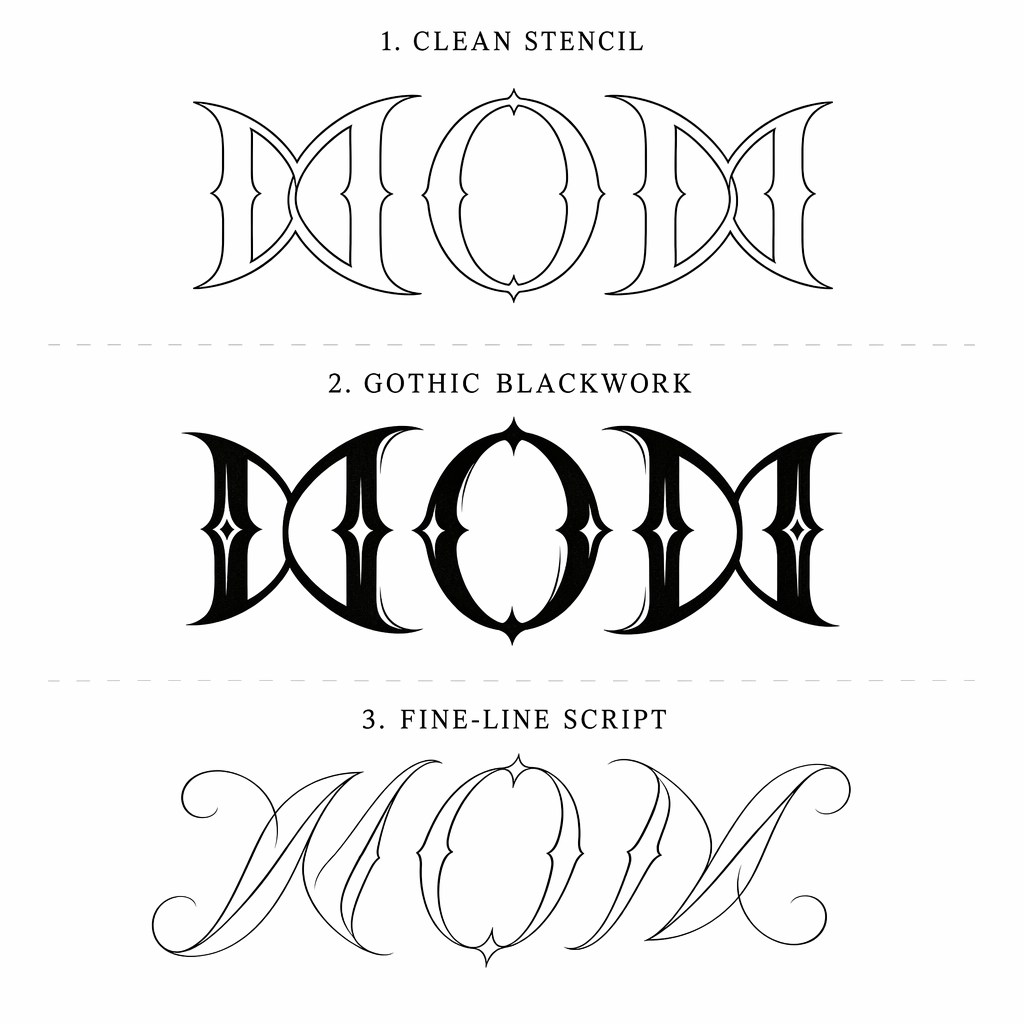
Generated gallery
A wall of real ambigram concepts
Every sheet below started from two words and the free engine. Hover to pause the wall.
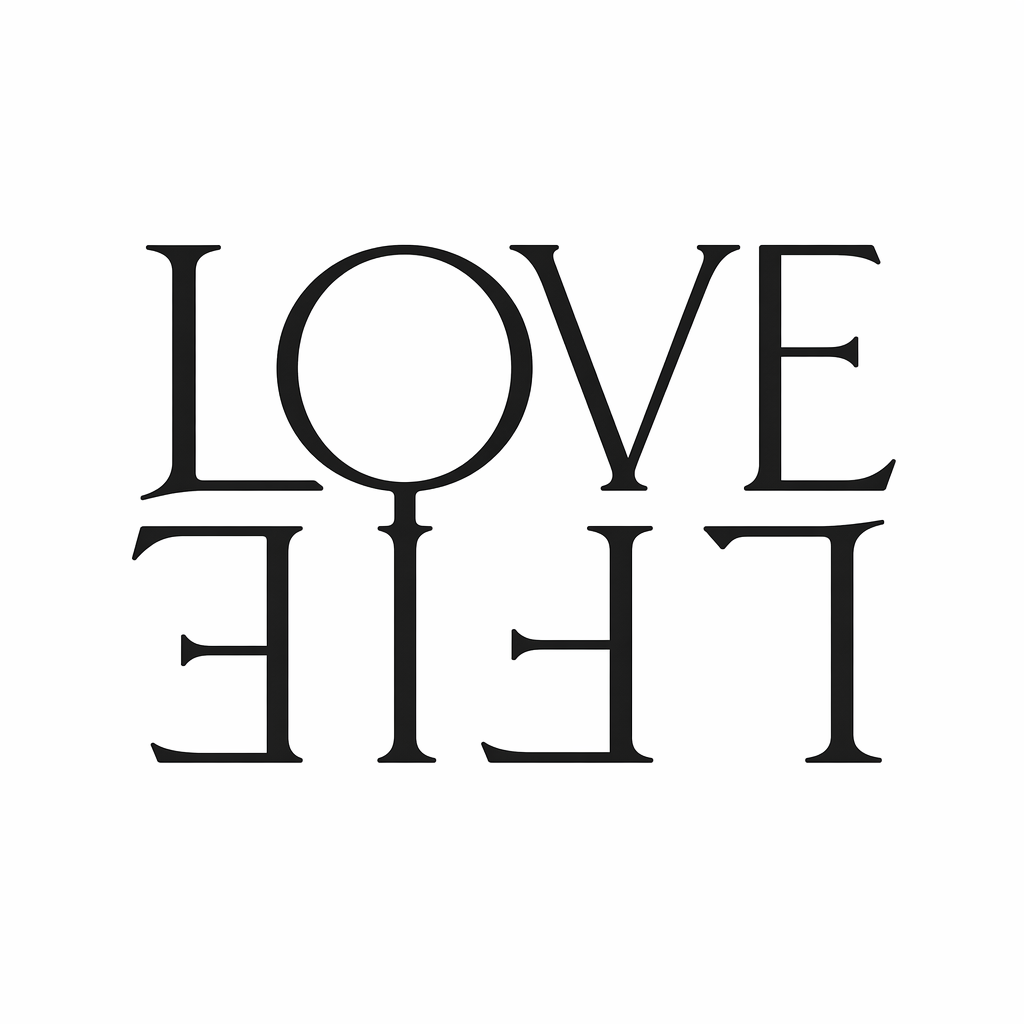
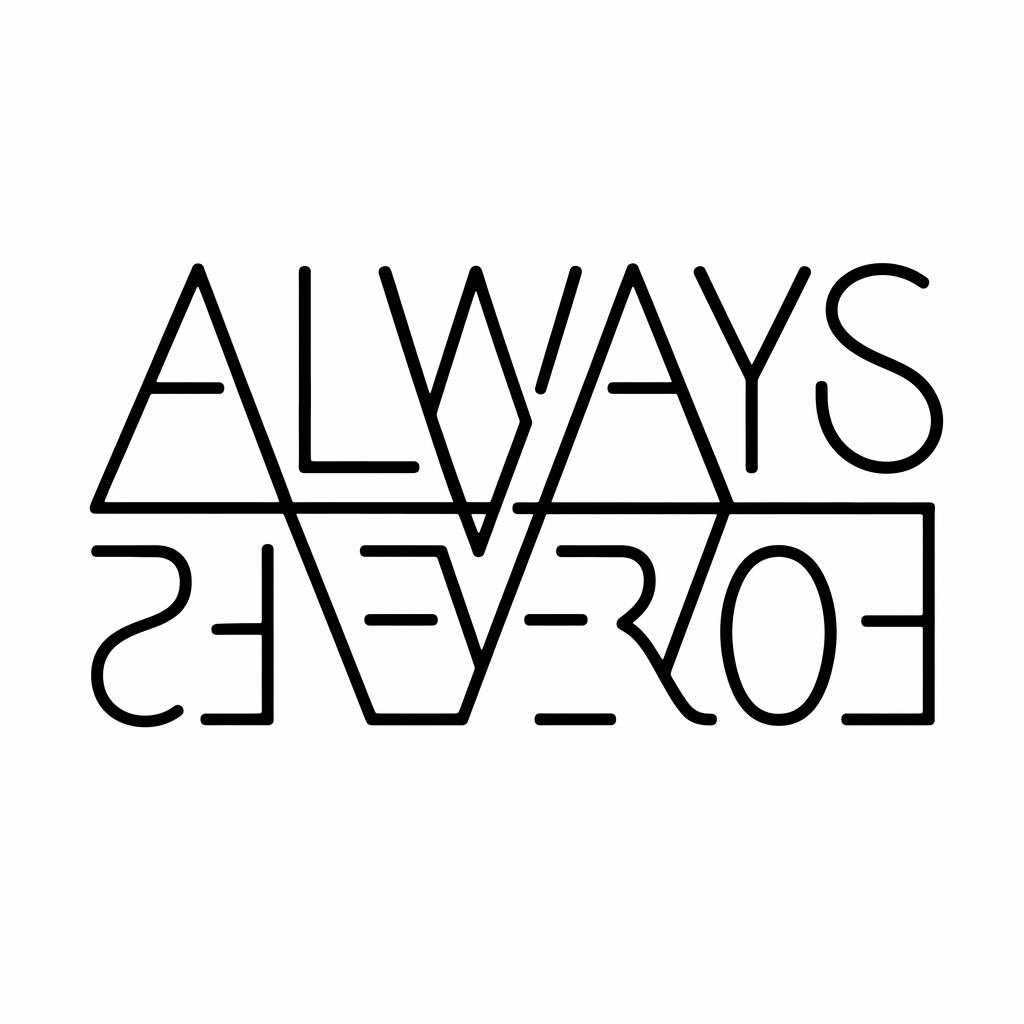
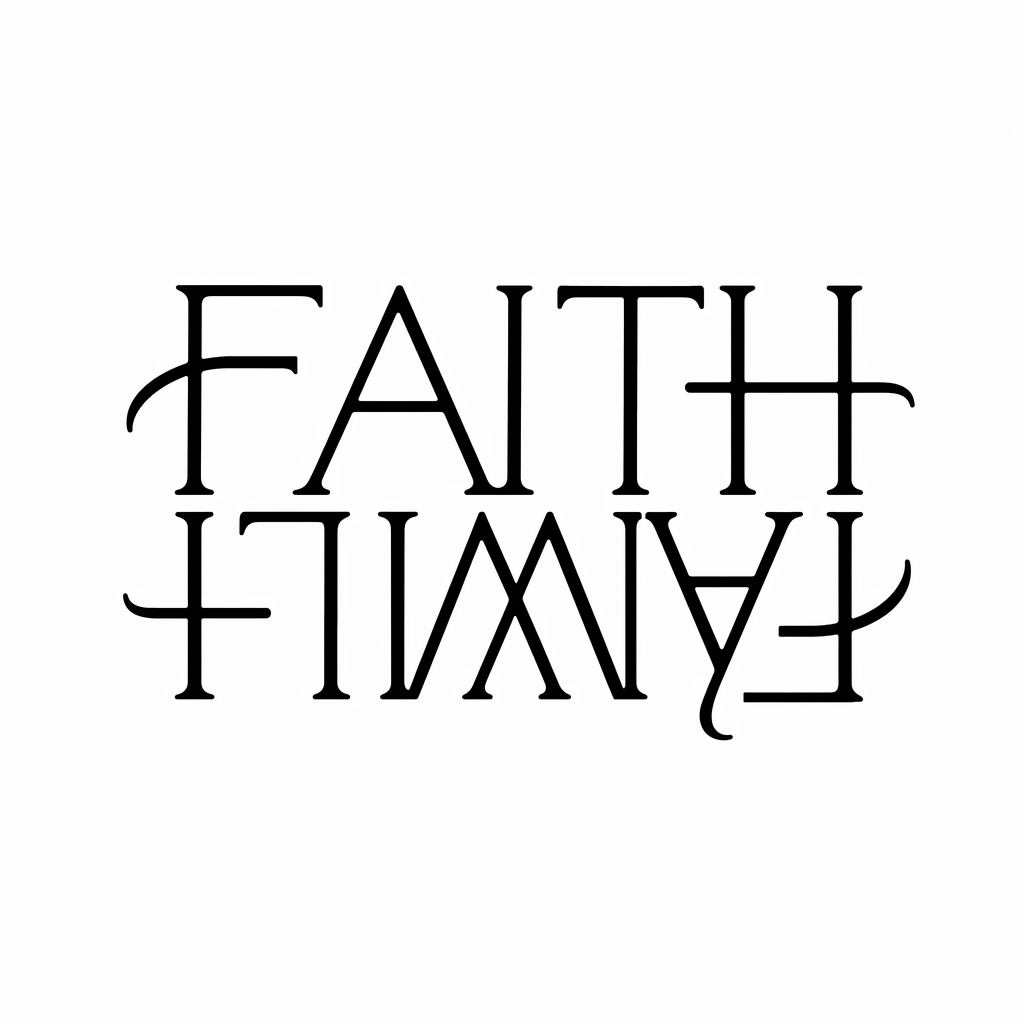
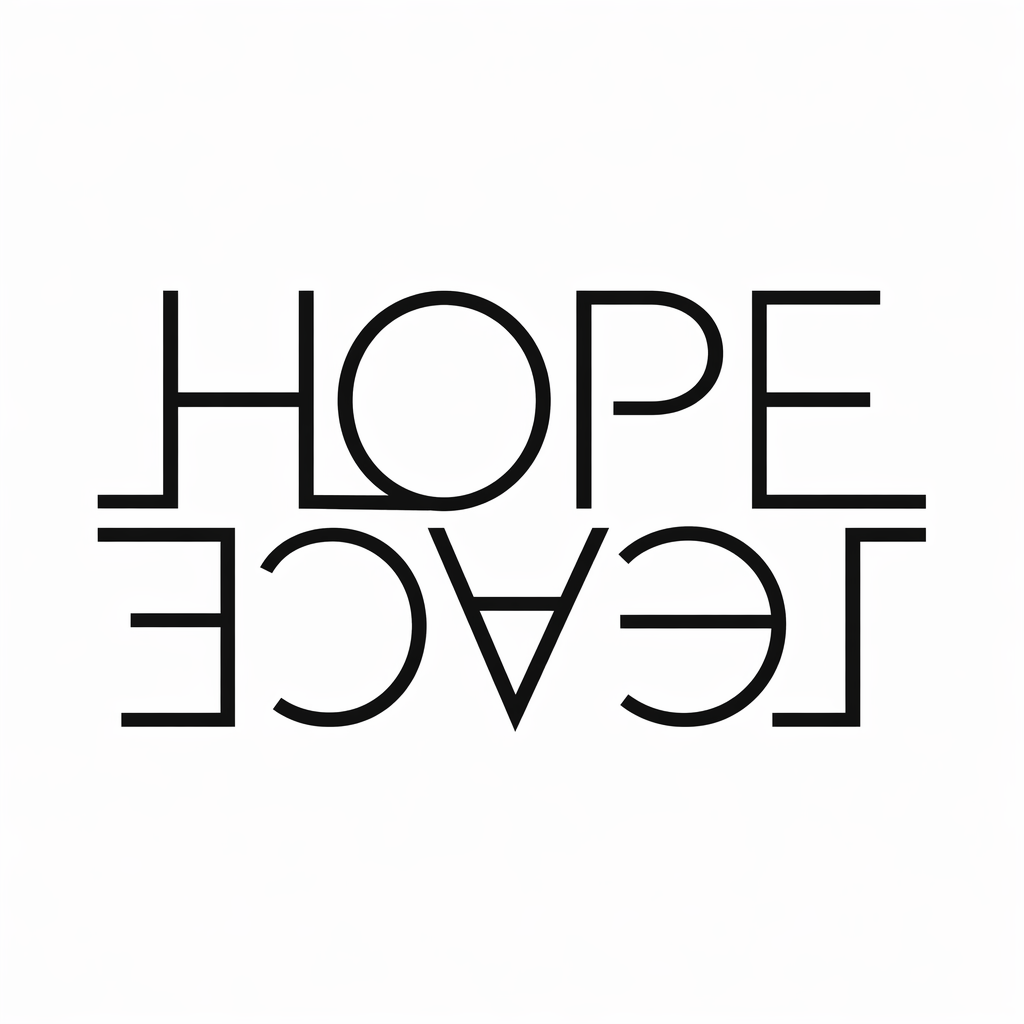
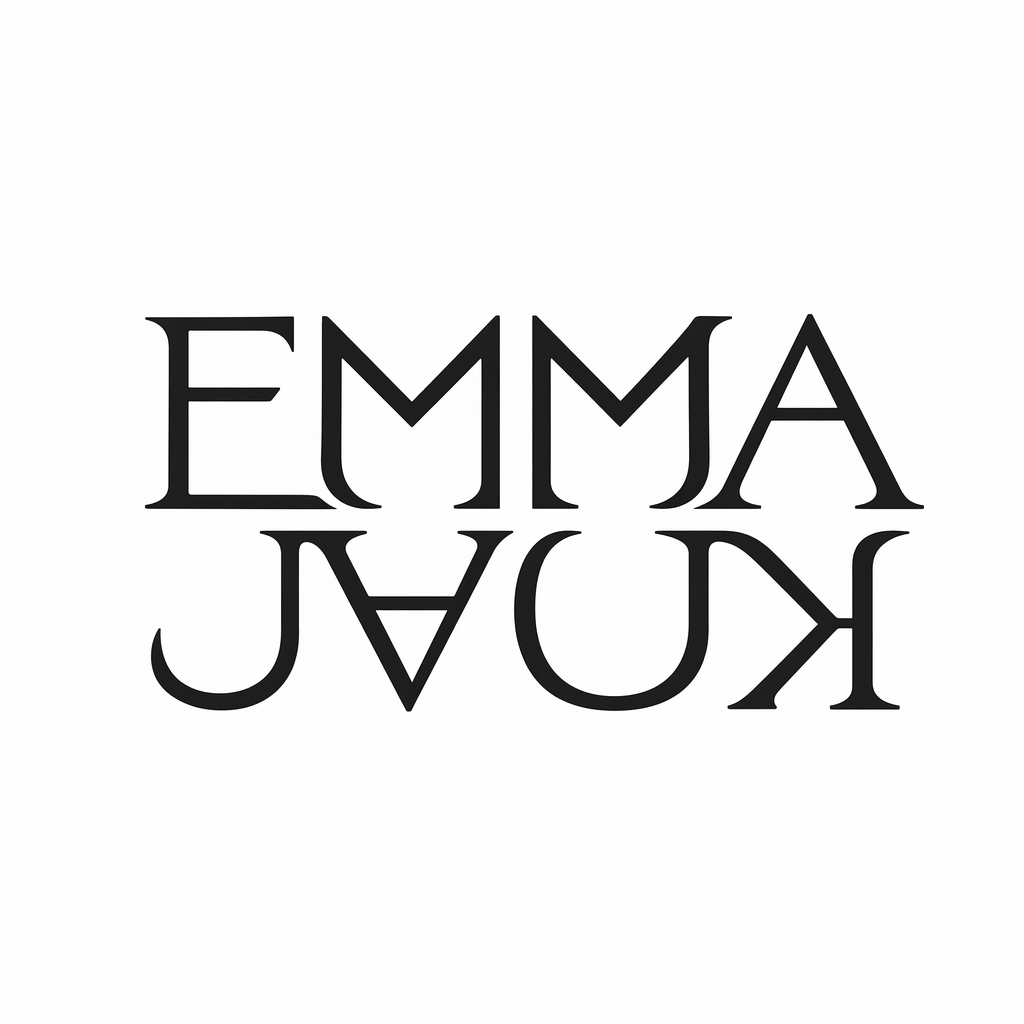
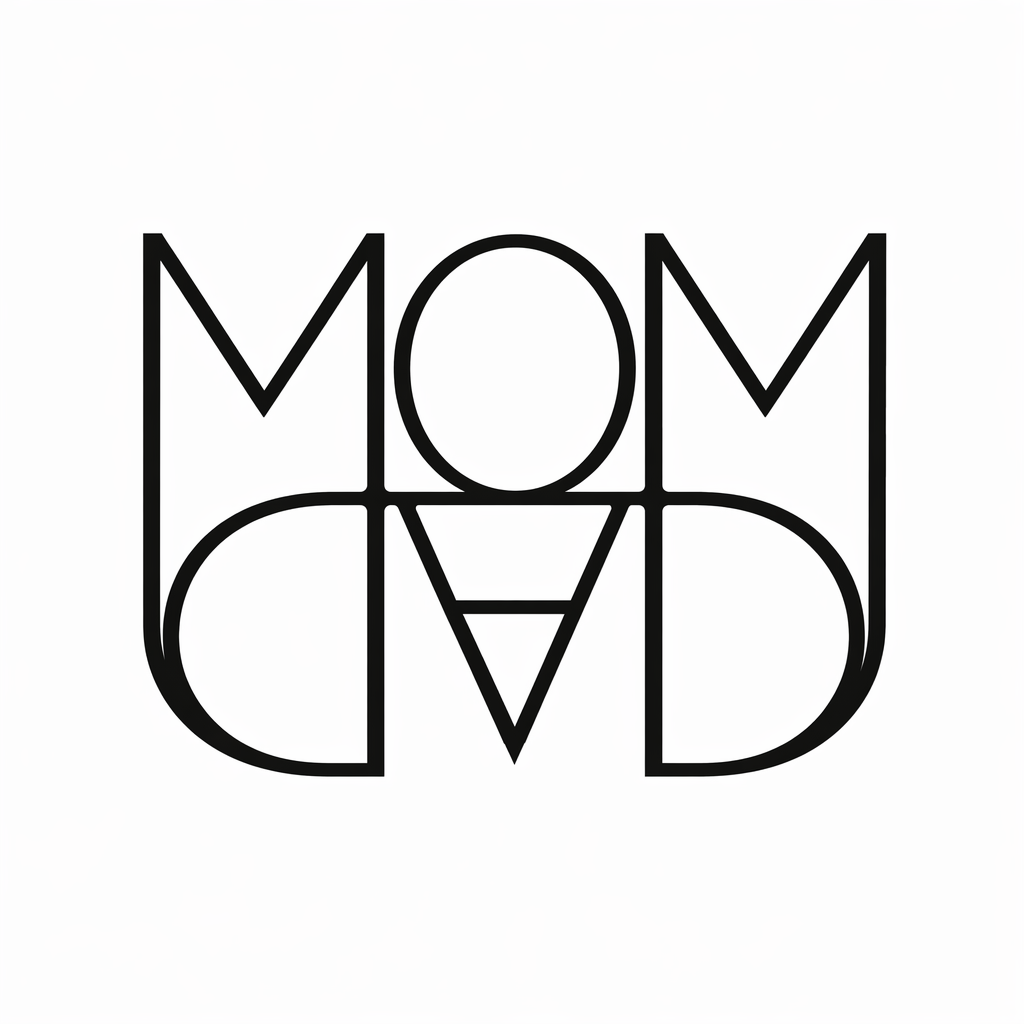
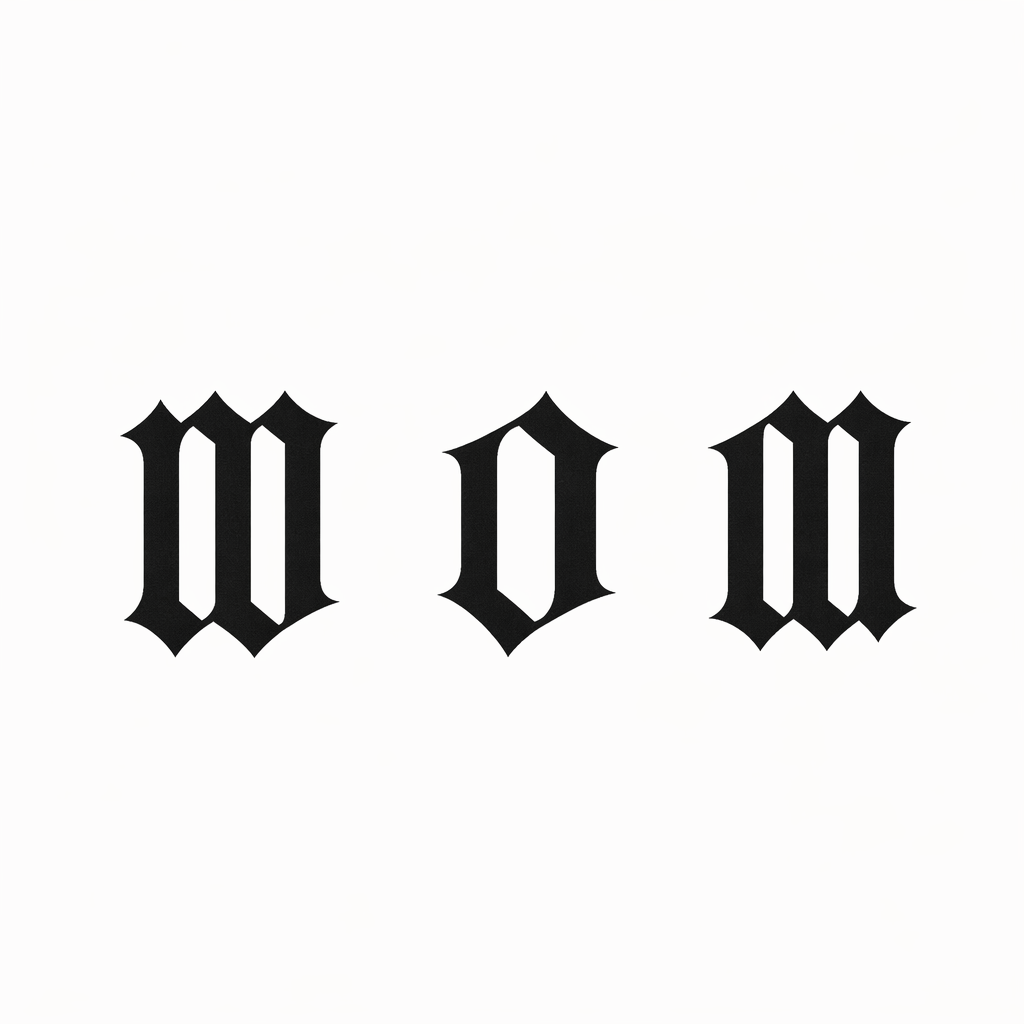
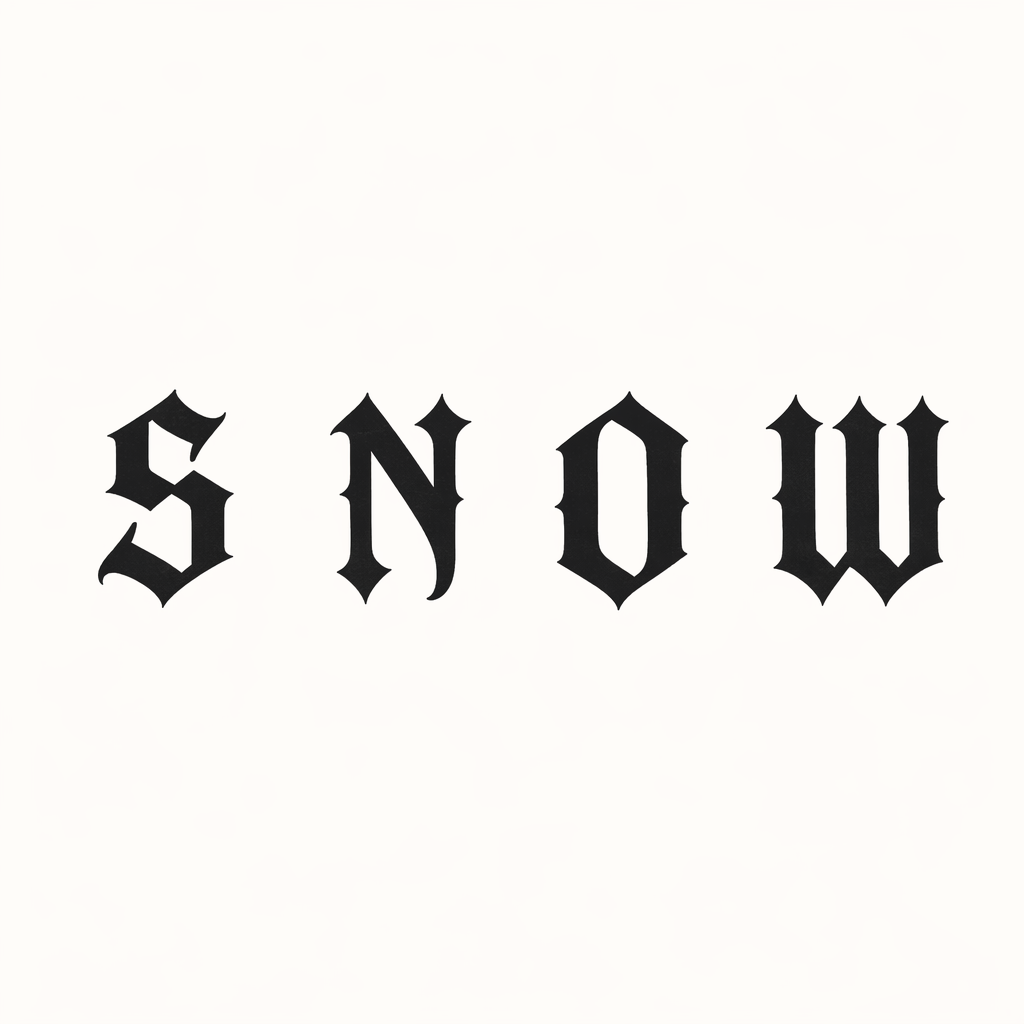
Engine Result
Default LOVE / LIFE specimen — type your own words above to replace it
Word A
LOVE
Word B
LIFE
- No letter positions are compatible with the rotation map. This is a mock overlay, not a real ambigram.
- Try words with rotation-friendly letters: H, I, N, O, S, X, Z, M, W (and lowercase n↔u, p↔d, b↔q).
- Rotate-check the final image before treating it as a usable tattoo concept.
These words have no compatible letter positions. The preview shows a mock overlay. Try different words, or use AI enhancement to create artistic letter forms.
Concept sketch only — not a verified ambigram. These words have no natural 180° rotation match, so the free preview cannot guarantee a real rotational ambigram. An artist or the AI enhancement can create artistic letterforms.
LOVE / LIFE
Rotational readability preview
%22%3E%0A%20%20%20%20%3Ctext%20x%3D%22600%22%20y%3D%22332%22%20text-anchor%3D%22middle%22%20font-family%3D%22%26quot%3BUnifrakturMaguntia%26quot%3B%2C%20%26quot%3BOld%20English%20Text%20MT%26quot%3B%2C%20%26quot%3BGeorgia%26quot%3B%2C%20serif%22%20font-size%3D%22118%22%20font-weight%3D%22800%22%20letter-spacing%3D%228%22%20fill%3D%22%2318181b%22%20opacity%3D%220.30%22%3ELIFE%3C%2Ftext%3E%0A%20%20%3C%2Fg%3E%0A%20%20%3Ctext%20x%3D%22600%22%20y%3D%22560%22%20text-anchor%3D%22middle%22%20font-family%3D%22ui-sans-serif%2C%20system-ui%2C%20sans-serif%22%20font-size%3D%2222%22%20font-weight%3D%22700%22%20fill%3D%22%239e2b25%22%3E0%25%20natural%20rotation%20match%20%E2%80%94%20stylized%20concept%20only%20(V1%20gothic%20skeleton)%3C%2Ftext%3E%0A%3C%2Fsvg%3E) 0° · LOVE
0° · LOVEReadability check
These words have no compatible letter positions. The preview shows a mock overlay. Try different words, or use AI enhancement to create artistic letter forms.
- No letter positions are compatible with the rotation map. This is a mock overlay, not a real ambigram.
- Try words with rotation-friendly letters: H, I, N, O, S, X, Z, M, W (and lowercase n↔u, p↔d, b↔q).
- Rotate-check the final image before treating it as a usable tattoo concept.
Step 2 · AI Artistic Preview
AI-enhanced tattoo style based on your ambigram structure.
Keep the workflow focused: two words, one structure, one three-style preview sheet, then a rotate-check.
Enter two words
Start with names, beliefs, or paired ideas.
Preview three style directions
Generate one black-ink preview sheet with Clean Stencil, Gothic Blackwork, and Fine-line Script.
Rotate-check and download
Compare both directions, then choose a style direction before any final design.
Pick a font that matches your intent. Each font changes how the rotational structure preview looks — from heavy blackletter to clean minimal lines.
Font choice only affects the free readability preview. AI Tattoo Enhancement uses its own style directions.
Step 2 · AI Tattoo Enhancement
Once your free preview reads clearly in both directions, the AI enhancement step uses your two-word structure as a reference and renders style directions you can download as a HD tattoo-ready file.
Gothic Blackletter
Heavy, angular strokes with a medieval blackletter feel.
Chicano Script
Flowing, hand-drawn script with elegant curves.
Fine Line Minimal
Clean, thin lines for a subtle and modern look.
Bold Stencil
High-contrast stencil lettering built for impact.
AI-generated designs are concept references, not final tattoo stencils. A professional tattoo artist should refine line weight, spacing, and placement before tattooing.
Practical answers before you save a design or share it with a tattoo artist.
What is an ambigram tattoo?
An ambigram tattoo is lettering designed to be read in more than one orientation, often upright and again after a 180-degree rotation.
What words work best for an ambigram tattoo?
Similar-length words often work better. Short names and meaningful words are easier to explore, while very long words may reduce readability.
Can I create a couple name ambigram?
Yes. Enter two names, choose a style, and preview the concept upright and rotated 180°.
How do I make an ambigram tattoo with two names?
Start with two short names, choose a lettering style, then compare the upright and 180-degree rotated previews. Similar name lengths usually make the design easier to read.
What names work best for ambigram tattoos?
Short first names, nicknames, and names with a similar number of letters usually work best. Very long names or very different word lengths can make the rotation harder to read.
Can I use this before visiting a tattoo artist?
Yes, use it as a concept reference to communicate the idea more clearly. Your artist should refine the final stencil, placement, sizing, and lettering details.
Can an AI ambigram be used as a tattoo stencil?
Treat the AI result as a concept reference, not a final stencil. A tattoo artist should adjust line weight, spacing, placement, and skin-safe details before tattooing.
Why is my ambigram hard to read?
Readability can drop when the words have very different lengths, complex letters, thin strokes, or too much decoration. Try shorter words, a simpler style, or a bolder stencil direction.
What is the difference between an ambigram and a mirror tattoo?
A rotational ambigram is usually read again after turning it 180 degrees. A mirror tattoo depends on reflection, so the second reading appears through a mirror or mirrored layout.
Are short words better for ambigram tattoos?
Often, yes. Short words give the lettering more room to preserve recognizable shapes in both orientations, especially at real tattoo sizes.
Are ambigram tattoos always easy to read?
No. Readability depends on the word pair, style, and lettering structure. InkFlip shows both orientations so you can judge the concept before downloading.
Can I use this as a real tattoo stencil?
Use it as a concept reference, not final tattoo instructions. Final size, placement, readability, and stencil preparation should be reviewed by a professional tattoo artist.
Is it free?
Every plan is free. The current version supports free preview generation, and HD PNG, stencil-style PDF, and artist reference layouts are free to download as the engine ships them.
How do I know if my word works as a rotational ambigram?
Our letter-mapping engine checks every letter in your word pair against a rotation table. Letters like H, I, N, O, S, X, Z rotate to themselves, while M becomes W and vice versa. When you type a pair like MOM and WOW, the engine confirms that every position is compatible and renders a real rotational ambigram — no AI needed. If your words are not naturally compatible, the engine shows a neutral badge and suggests alternative word pairs that work naturally.
What do the verified, partial, and concept-only badges mean?
InkFlip grades every word pair so you know exactly what you are looking at — most AI ambigram tools only draw a symmetric-looking image without checking readability. Verified (100%) means every letter rotates into its match, so the preview is a true rotational ambigram. Partial means some letters are naturally symmetric and the rest are artistically rendered. Concept-only (0%) means no letter in your pair rotates into the other, so the preview is an AI artistic concept rather than a verified rotation. This transparency is the difference: we tell you which words work naturally and which are artistic interpretations. None of these are final tattoo stencils; a tattoo artist can refine any concept into a real design.
What fonts are available in the free ambigram generator?
The free generator offers five font styles: Gothic for a blackletter feel, Cursive for flowing script strokes, Modern for clean sans-serif lettering, Tattoo for bold display lettering, and Minimal for light airy strokes. The font you choose only affects the free readability preview — the AI tattoo enhancement step uses its own artistic styles like Gothic Blackletter, Chicano Script, Fine Line Minimal, and Bold Stencil.